Open Flight World vs FlightGear: a browser tab or the open-source desktop simulator
FlightGear is the open-source desktop flight simulator, and its JSBSim flight dynamics fly six of Open Flight World's aircraft in a browser tab. What Open Flight World adds: nothing to install, the real aircraft and ships around you, Google's 3D cities and a coach. Checked in November 2026.
FlightGear is the great open-source flight simulator. You download it for Windows, macOS or Linux, it is free, and its code is open for anyone to read, change and share under the GNU GPL. Open Flight World, which I make, stands on part of that work: six of its aircraft fly with the same flight dynamics, JSBSim, with FlightGear's own files, in a browser tab.
If you have searched for "FlightGear online" or "FlightGear in the browser", this page explains how the two are related and what Open Flight World adds when you fly in a tab.
How the two are related
JSBSim is an open-source flight dynamics library, and it is built into FlightGear, alongside another flight dynamics engine, YASim. A flight dynamics model is the part of a simulator that computes how the aircraft moves: lift, drag, thrust, weight and the forces on the wheels. JSBSim is also used in research and engineering.
Open Flight World compiles JSBSim to WebAssembly so that it runs inside your browser, and six of its ten aircraft fly with it, with FlightGear's own files for each one: the Cessna 172, the Airbus A320neo, the Boeing 787-9, the Airbus A380, the F-16 and the 18 m sailplane. The other four fly with a model built from their handbook numbers. The legal notice credits JSBSim and FlightGear, whose flight models and some of whose aircraft models Open Flight World uses.
So the aerodynamics of those six aircraft come from the same files. On top of JSBSim, Open Flight World's controls answer like a game: each stick asks for a rate of turn and the aircraft stays where you leave it, so a first flight is easy and a good landing still has to be earned. Open Flight World is not FlightGear in a browser; it is a different simulator that stands on FlightGear's work.
At a glance
As of November 2026:
| Open Flight World | FlightGear | |
|---|---|---|
| To start | Open a browser tab | Download and install it: 69 to 329 MB |
| Flight dynamics | JSBSim with FlightGear's files, on six aircraft | JSBSim and YASim |
| Traffic | The real aircraft and ships, a few seconds behind | Schedule-based airline traffic |
| Scenery | Streamed as you fly; Google's 3D cities in HD | Fetched and updated as you fly |
What Open Flight World adds
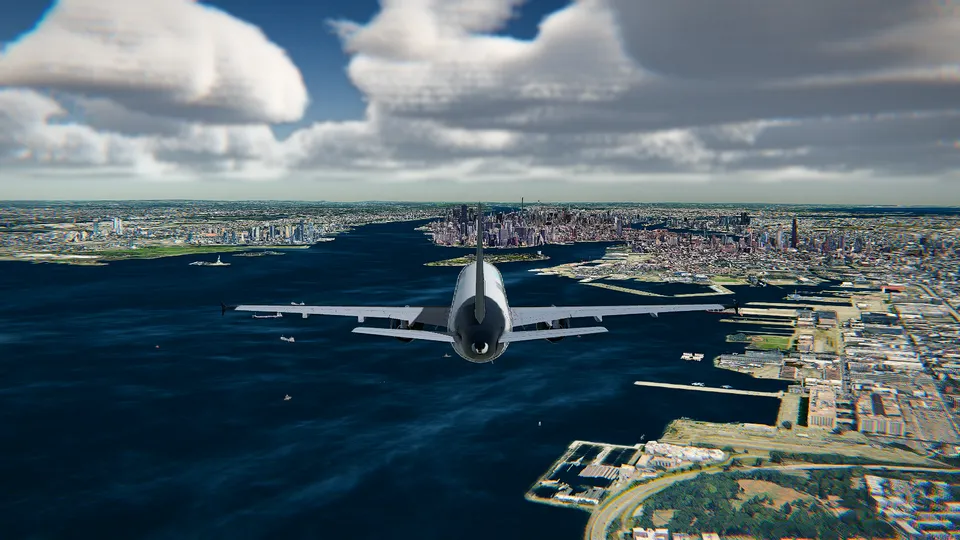
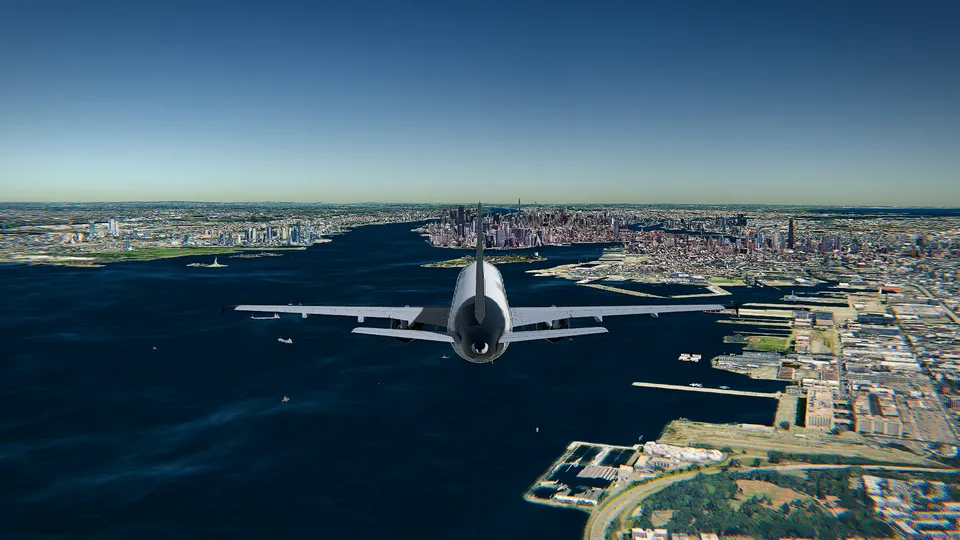
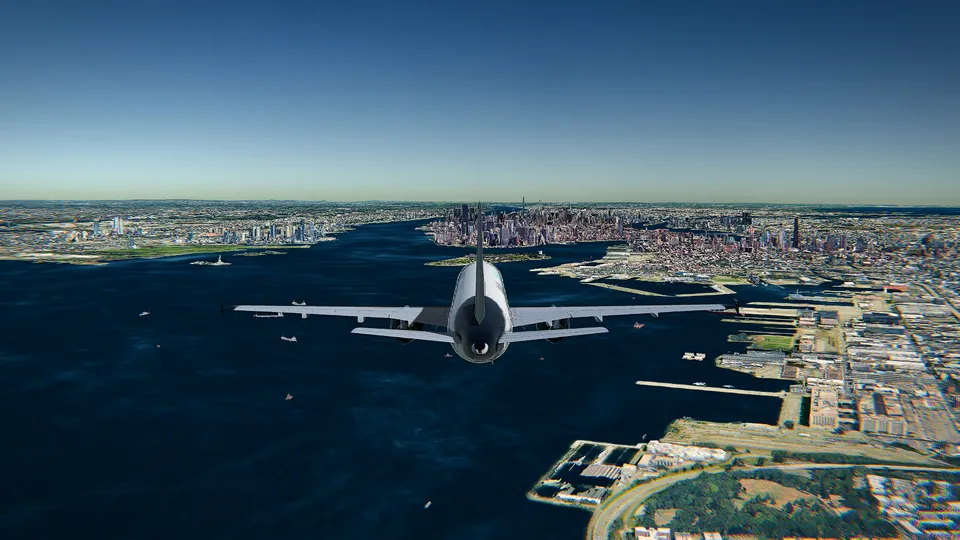
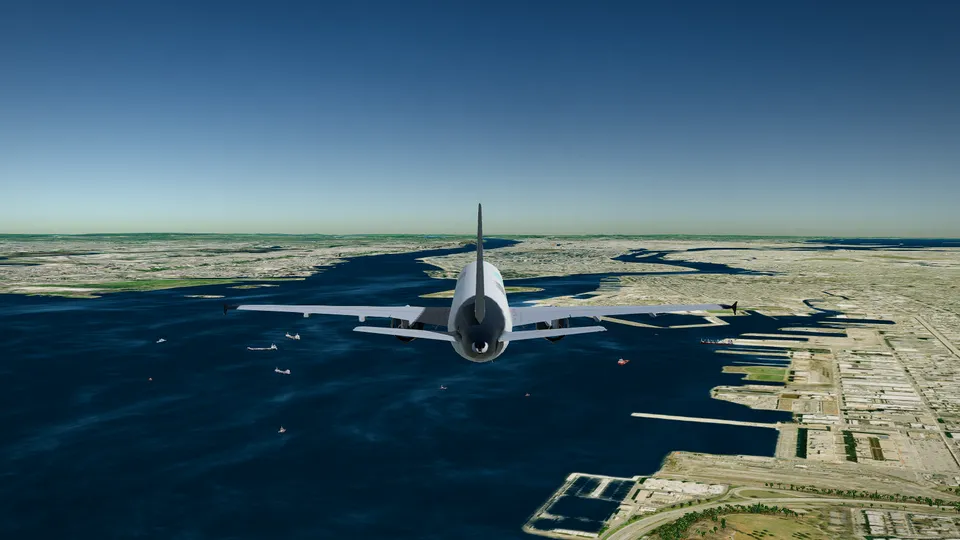
- Nothing to install. You open a page and you are on a runway in seconds: no download, no launcher, no scenery to manage and no update to wait for. The first time, it picks the graphics that suit your machine; the Free graphics in the picture above run on an ordinary laptop. FlightGear's latest stable release, 2024.1.7 from 14 August 2026, is an installer for Windows 10 and 11 (83 MB), a disk image for macOS 11 and later (69 MB) or an AppImage for Linux (329 MB).
- The real sky. The aircraft and ships around you are the real ones, where they are now, a few seconds behind, and with All Access you can start beside a real aircraft that is flying at that moment. FlightGear describes its traffic as schedule-based carriers that populate its airports; Open Flight World shows what is really flying. The weather can be the live weather at your airport, with day and night at the real hour. More on both in real-time weather and live air traffic.
- Google's 3D cities. In HD, the big cities are Google's photorealistic 3D tiles, with volumetric clouds and soft shadows: free over Hong Kong, and over the rest of the planet with the unlocks or All Access.
- Made for a first flight. A coach tells beginners the next step, with the right key, from the takeoff to the flare. Every runway has its localizer and a 3° glide path, so the autopilot can fly the approach and land. The beginner's guide takes about ten minutes.
- Ten aircraft, each with its own 3D cockpit, from the Cessna 172 to the Airbus A380 and the F-16, flown with the keyboard, the mouse as a stick, or a joystick or gamepad.
- No ads, and no account to fly. An account is only for buying: an e-mail and a six-digit code, with no password.
What is free, and what you pay for
Open Flight World is free with the Cessna 172 over Hong Kong International (VHHH), in photorealistic 3D, with no account, no ads and no time limit. What you pay for is the rest of the world: the whole planet in 3D with Google's photorealistic cities, the other nine aircraft and every other airport. Each aircraft or airport can be unlocked once and kept for good, or everything opened with All Access, monthly, yearly or for life (see pricing).
Neighbours more than rivals
Open Flight World exists in part because FlightGear and JSBSim are open, and I am grateful for that work. If you want FlightGear's flight dynamics with nothing to install, open a tab, take the Cessna off from Hong Kong and fly the same aerodynamics in your browser, with the real traffic and the live weather around you.
For other comparisons, see Open Flight World vs GeoFS, a free alternative to Microsoft Flight Simulator and free flight simulators compared.
Sources
FlightGear, checked on 3 November 2026:
- FlightGear features: free and open source, the platforms, the global scenery, the traffic.
- FlightGear download: the 2024.1.7 release and its installers.
- FlightGear licence: the GNU General Public License.
- JSBSim on the FlightGear wiki: an open-source flight dynamics library, built into FlightGear.
Open Flight World: its aircraft and their flight models, how it is made and its credits.
Frequently asked questions
Can I play FlightGear in a browser?
FlightGear's official downloads are desktop installers for Windows, macOS and Linux, plus the source code. Open Flight World is not FlightGear, but it runs JSBSim, the flight dynamics library built into FlightGear, inside a browser tab, with FlightGear's own files for six of its aircraft.
Does Open Flight World use FlightGear's aircraft?
Their flight dynamics, for six of its ten aircraft. The Cessna 172, the Airbus A320neo, the Boeing 787-9, the Airbus A380, the F-16 and the 18 m sailplane fly with JSBSim and FlightGear's files for each one, credited in the legal notice. The other four fly with Open Flight World's own model, built from their handbook numbers.
Do I need to install anything to fly Open Flight World?
No. It runs in a browser tab with WebGL, in Chrome, Edge, Firefox or Safari on a recent computer. There is no launcher, no install, no scenery to manage and no update to wait for, and you need no account to fly.
What is free in Open Flight World?
The Cessna 172 over Hong Kong International (VHHH), in photorealistic 3D, with no account, no ads and no time limit. The rest of the planet in 3D, the other nine aircraft and every other airport are paid. Unlock each aircraft or airport once and keep it, or open everything with All Access, monthly, yearly or for life.