A free alternative to Microsoft Flight Simulator, in your browser
Microsoft Flight Simulator 2024 is a paid game or a Game Pass subscription, with a 50 GB download on a PC. Open Flight World opens in a browser tab and is free to start, with the Cessna 172 over Hong Kong in photorealistic 3D, the real traffic and the live weather. Checked in November 2026.
Microsoft Flight Simulator is the flight simulator most people picture: the whole planet, live weather, real-world traffic and highly detailed aircraft. It is also a big commitment. You need a gaming PC, an Xbox or a PlayStation 5, a large download and a purchase or a subscription.
If what you want is to fly over real places tonight, on the computer you already have, there is a lighter way in: a flight simulator that runs in a browser tab. I make one, Open Flight World, and this page is the case for it, with every fact about Microsoft's simulator checked on its official pages.
What Microsoft Flight Simulator 2024 asks of you
Microsoft Flight Simulator 2024 is made by Asobo Studio and published by Xbox Game Studios, and it came out on 19 November 2024. As of November 2026, Microsoft offers it on PC (Microsoft Store and Steam, for Windows 10 and 11), Xbox Series X|S and PS5, and as part of Xbox Game Pass Ultimate and PC Game Pass.
On a PC, its Steam page asks at least for 64-bit Windows 10, 16 GB of memory, a GeForce GTX 970 or Radeon RX 5700, 50 GB of storage and a broadband connection, and it recommends 32 GB of memory and a GeForce RTX 2080 or Radeon RX 5700 XT. It also needs an Xbox account.
You can play it in a browser, in a way. Microsoft lists Xbox Cloud Gaming among the ways to play it: the game runs on Microsoft's servers and is streamed to a supported browser such as Edge, Chrome or Safari, with an active Game Pass subscription.
Open Flight World is a different thing: the simulator itself runs in your browser, on your own graphics card, and it starts free.
At a glance
As of November 2026:
| Open Flight World | Microsoft Flight Simulator 2024 | |
|---|---|---|
| To start | Free, in a browser tab | A purchase, or Game Pass |
| Download | Nothing | 50 GB on a PC |
| Runs on | Any recent computer with a browser, a Mac included | Windows PC, Xbox, PS5 |
| Account | None to fly | An Xbox account |
| In a browser | Runs in it, on your own graphics card | Streamed, with Game Pass |
What you get in a browser tab
Microsoft lists real-world air traffic, live maritime traffic and live weather among the features of its simulator. Open Flight World puts that same kind of real sky around you, in a tab. In Open Flight World:
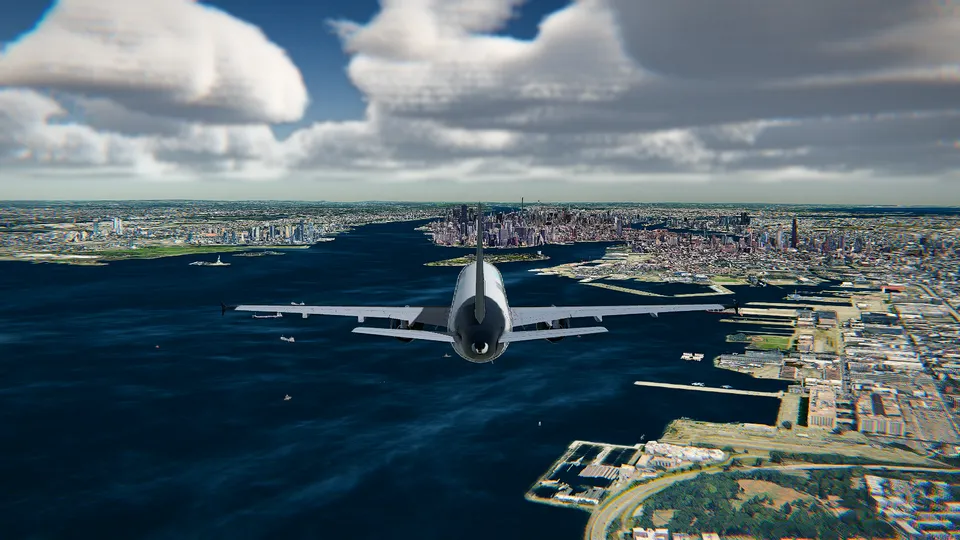
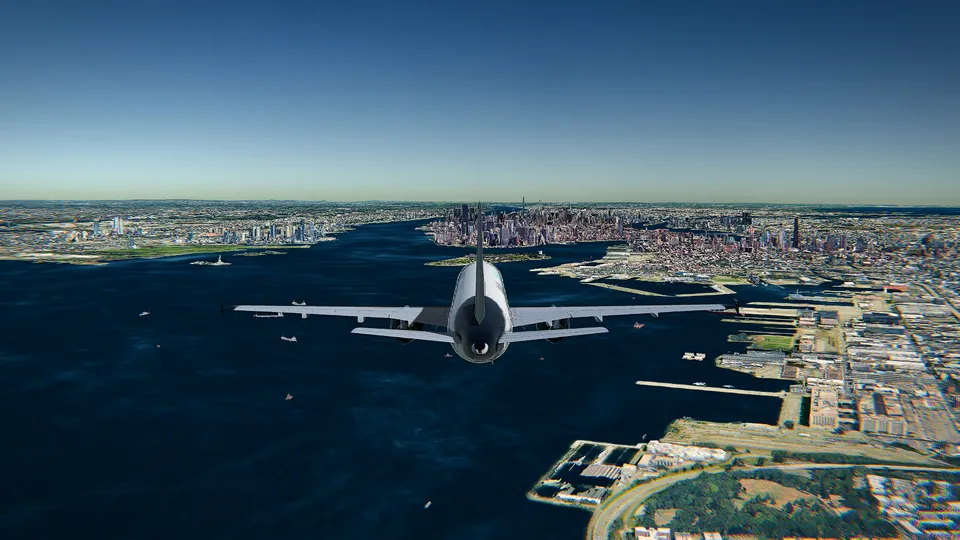
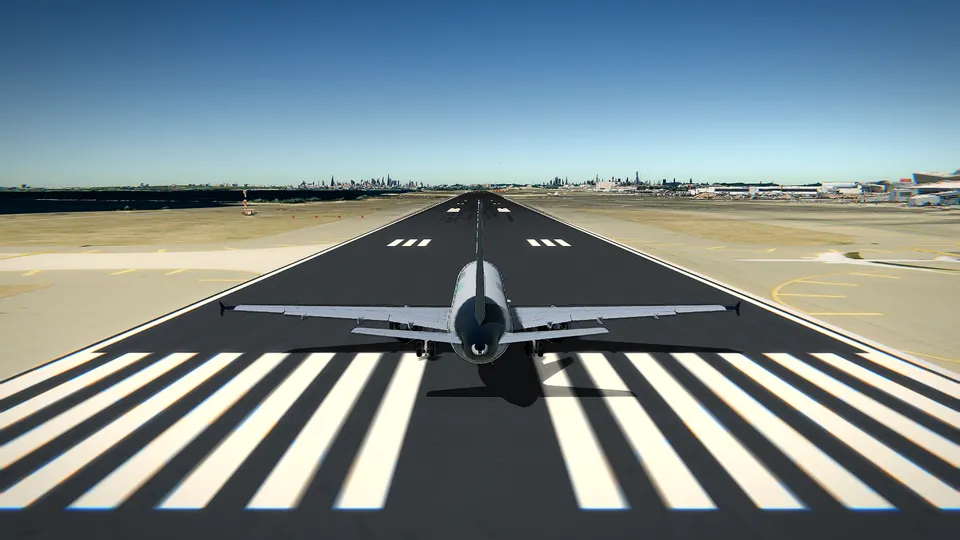
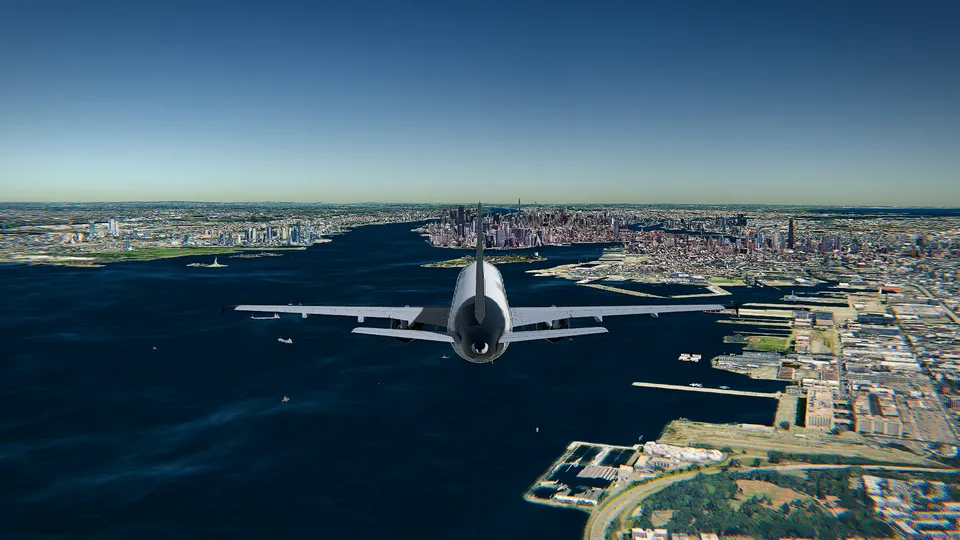
- Photorealistic 3D cities. With the HD graphics, the big cities are Google's photorealistic 3D tiles, with volumetric clouds and soft shadows. Around them the planet is relief and imagery, and more than 10,000 airports have their real runways, with markings, lights and PAPI.
- The real aircraft and ships, where they are now, a few seconds behind. With All Access you can even start your flight beside a real aircraft that is flying at that moment. How that works is in real-time weather and live air traffic.
- The live weather at your airport, or any sky from clear to storm, fog or snow, with day and night at the real hour.
- Ten aircraft, each with its own 3D cockpit: light singles, a turboprop, regional and long-haul airliners up to the Airbus A380, a business jet, the F-16 and a glider, all on the aircraft page. Six of them fly with JSBSim, the open-source flight dynamics of FlightGear, also used in research.
- A coach, and an autopilot that lands. In the simple mode a coach tells a beginner the next step, with the right key. Every runway has its localizer and a 3° glide path, so the autopilot can fly the approach, flare and stop on the centreline.
- Any controller you have: the keyboard, the mouse as a stick, or a joystick or an Xbox or PlayStation gamepad.
- No download, no launcher, no ads. It opens in seconds, and the first time it picks the right graphics for your machine: Free for an ordinary laptop, HD for a dedicated graphics card.
What is free, and what you pay for
Open Flight World starts free: the Cessna 172 over Hong Kong International (VHHH), in photorealistic 3D, with no account, no ads and no time limit. What you pay for is the rest of the world: the whole planet in 3D with Google's photorealistic cities, the other nine aircraft and every other airport. Each aircraft or airport can be unlocked once and kept for good, or everything opened with All Access, monthly, yearly or for life (see pricing). There is nothing to download at any point, and no console needed to begin.
When a browser tab is the right choice
- You have an ordinary laptop, a Mac, or a computer where you cannot install games. Open Flight World runs in the browser of the machine you already have.
- You want to fly over a real place tonight, with nothing to install or pay. Open a tab and take off; the beginner's guide takes ten minutes.
- You are new to flying. The coach tells you each step, and the order of things is the same as in any simulator: power, pitch, flaps, a stable approach.
- You want to pay only for what you fly. Unlock one aircraft or one airport and keep it, with no subscription.
Other comparisons
I have also compared Open Flight World with GeoFS, the best-known browser flight simulator, and with FlightGear, the open-source desktop simulator whose flight dynamics fly six of my aircraft. For a wider look there is free flight simulators compared.
Sources
Microsoft Flight Simulator 2024, checked on 3 November 2026:
- Official page of Microsoft Flight Simulator 2024: platforms, Game Pass, Xbox Cloud Gaming, real-world and maritime traffic, live weather.
- Steam page: developer, publisher and release date, system requirements, the Xbox account.
- Xbox Cloud Gaming: the subscription it needs and the browsers it plays in.
Open Flight World: its features, its aircraft, its airports and its pricing.
Frequently asked questions
Is there a free version of Microsoft Flight Simulator?
When I checked in November 2026, neither the official site nor the Steam page of Microsoft Flight Simulator 2024 offered a free version or a demo. It is sold for PC, Xbox and PS5, and it is included with Xbox Game Pass Ultimate and PC Game Pass. Open Flight World is free to start in a browser tab, with the Cessna 172 over Hong Kong and no account.
Can I play Microsoft Flight Simulator in a browser?
Only by streaming it. Microsoft lists Xbox Cloud Gaming among the ways to play it, and cloud gaming streams games to a supported browser such as Edge, Chrome or Safari, with an active Game Pass subscription. Open Flight World runs in the browser itself, on your own graphics card, with no subscription needed to start.
What is free in Open Flight World, and what is paid?
Free, with no account and no ads, is the Cessna 172 over Hong Kong International (VHHH) in photorealistic 3D, with no time limit. Paid is the rest of the planet in 3D, the other nine aircraft and every other airport. Unlock each aircraft or airport once and keep it, or open everything with All Access, monthly, yearly or for life.
What computer do I need for Open Flight World?
Any recent computer with Chrome, Edge, Firefox or Safari, a Mac included. The Free graphics run on an ordinary laptop; a dedicated graphics card lets you use HD, with Google's 3D cities, volumetric clouds and soft shadows.