Free flight simulators you can play online, compared
A fair comparison of the free flight simulators you can play today, in the browser and on the desktop: what each one does best, what it costs, what you need to install and who it suits.
You want to fly, and you do not want to pay for it, or at least not yet. Good news: there are several free flight simulators, and they are very different from each other. Some run in a browser tab, some are full desktop applications, some are built for realism and others for a quick flight.
Here is a fair look at the main ones: what each does best, what it costs, what it asks of your computer and who it suits. I make one of them, Open Flight World, so I will say so where it appears, and try to be as honest about it as about the others.
The quick comparison
| Simulator | Runs in | Cost | Install | Platforms |
|---|---|---|---|---|
| Open Flight World | Browser | Free tier, paid unlocks | No | Any computer with a modern browser |
| GeoFS | Browser | Free, optional paid extras | No | Any computer with a modern browser, mobile app |
| FlightGear | Desktop app | Free and open source | Yes | Windows, macOS, Linux |
| Google Earth Pro | Desktop app | Free | Yes | Windows, macOS, Linux |
| YSFlight | Desktop app | Free | Yes | Windows, macOS, Linux |
Browser flight simulators
The great advantage of a browser simulator is that there is nothing to install. You open a page and you fly, on almost any computer, including a work laptop or a Chromebook where you cannot install software. The trade-off used to be graphics and depth; that gap has narrowed a lot thanks to WebGL and to 3D map data covering the whole planet.
Open Flight World
Disclosure: this is my simulator.
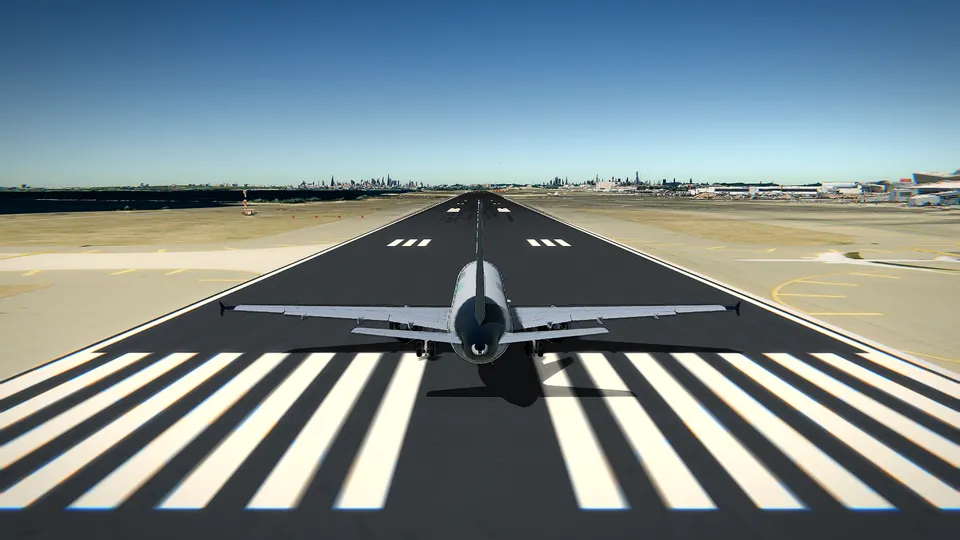
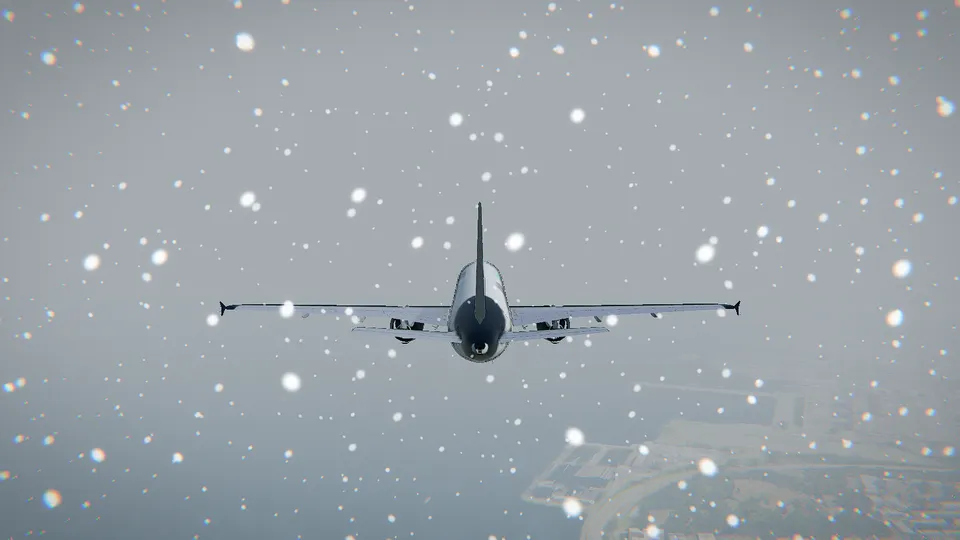
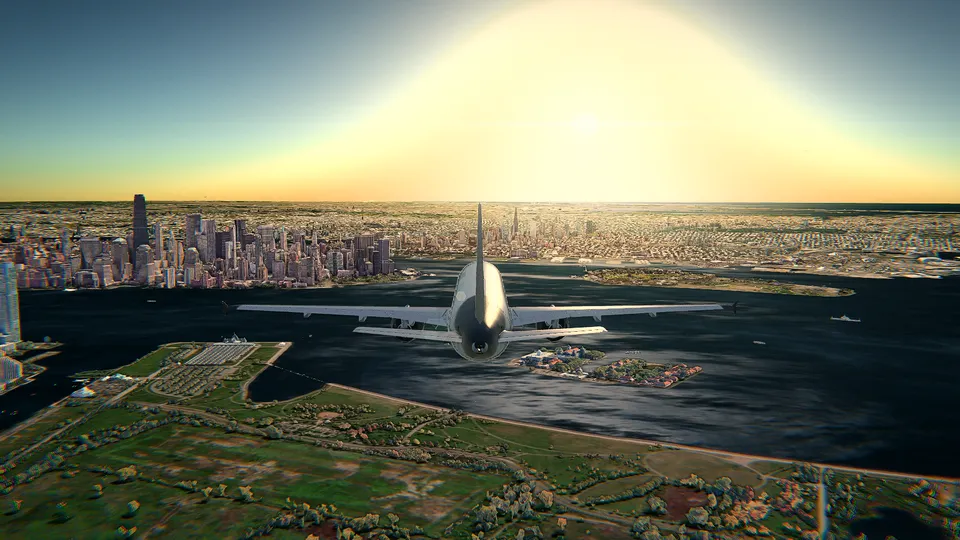
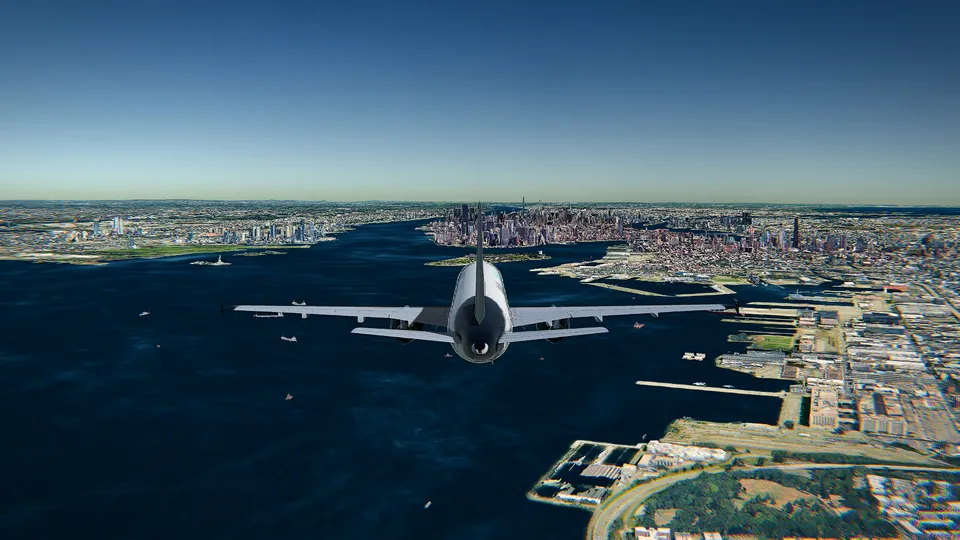
Open Flight World flies over the whole planet in 3D, with the real air and sea traffic around you, a few seconds behind real time, and the live weather of the airport you choose. In HD, the big cities are drawn with Google's photorealistic 3D buildings. There are ten aircraft, from the Cessna 172 to the Airbus A380, a fighter and a glider, each with its own cockpit; several of them fly with JSBSim, the flight dynamics of FlightGear.
- Best for: flying over real places with the real sky around you, and learning step by step: a coach tells beginners what to do at each moment.
- Cost: the Cessna 172 at Hong Kong is free with no time limit and no account. Other aircraft and airports are unlocked one by one or all at once (see pricing).
- Keep in mind: it is a single-player simulator; the traffic is real, but it is not other players. It is made for a computer; phones run a lighter version.
GeoFS
GeoFS is the pioneer of browser flight simulation and the best-known one. It covers the whole world, has a large fleet, and its strongest point is its multiplayer community: you fly among other real players, which gives it a very social feel. It also has a mobile app.
- Best for: flying with other people online, and a large, active community.
- Cost: free to fly, with optional paid extras.
- Keep in mind: as in any browser simulator, what you see depends on your graphics card and your connection.
Desktop flight simulators
Desktop simulators ask you to download and install them, but in exchange they can run more detailed systems and work offline.
FlightGear
FlightGear is the great open-source flight simulator, developed by volunteers for more than twenty-five years. It has hundreds of aircraft, many with detailed systems, and several flight dynamics engines, including JSBSim, which is also used in research and engineering. It is free, open source (GNU GPL) and runs on Windows, macOS and Linux.
- Best for: depth, realism of the systems and a huge variety of aircraft, at no cost.
- Keep in mind: it takes a download and some setup, and the default scenery is simpler than the photographic 3D of newer simulators; adding detail takes extra downloads.
Google Earth Pro's flight simulator
Few people know that Google Earth Pro, the free desktop version of Google Earth, hides a simple flight simulator: open it from the Tools menu (or with Ctrl+Alt+A, or Cmd+Option+A on a Mac) and choose between an F-16 and an SR22. You fly over Google Earth's imagery and 3D buildings.
- Best for: a quick, curious flight over a place you know.
- Keep in mind: it is a small extra inside a map application, with basic physics and very few features.
YSFlight
YSFlight is a small, free flight simulator created by Soji Yamakawa. Its graphics are simple, but it runs on almost any computer and has a loyal community that has made many add-on aircraft, especially military ones.
- Best for: old or modest computers, and quick, arcade-style flying with a long tradition of community content.
- Keep in mind: the scenery is not the real world; it is a set of maps.
And the paid ones
If you get hooked, the big paid simulators are the next step. Microsoft Flight Simulator is the reference for graphics and the size of its world, on PC and Xbox. X-Plane is known for its flight model and is used for training devices; it offers a free demo. Both need a powerful computer (or, for Microsoft's, a console) and a serious download.
How to choose
- You want to fly right now, with nothing to install: a browser simulator. Open Flight World if you want the real traffic, the live weather and a coach that guides you; GeoFS if you want to fly with other players.
- You want depth and do not mind installing: FlightGear.
- Your computer is old: YSFlight, or a browser simulator with its lightest graphics (Open Flight World's Free mode is made for that).
- You just want to see your house from the air: Google Earth Pro, or Open Flight World over your nearest airport.
Whatever you choose, the basics are the same everywhere: power, pitch, flaps, a stable approach. The beginner's guide to flying in a browser and the controls cheat sheet will help in any of them.
Frequently asked questions
What is the best free flight simulator?
It depends on what you want. For flying the real world with nothing to install, a browser simulator such as Open Flight World or GeoFS. For depth and hundreds of aircraft on a desktop, FlightGear. For a quick, light experience on an old computer, YSFlight.
Can I play a flight simulator online without downloading anything?
Yes. Browser flight simulators such as Open Flight World and GeoFS run in a web browser tab with WebGL, with nothing to install.
Is FlightGear really free?
Yes. FlightGear is open-source software released under the GNU GPL, free to download and use on Windows, macOS and Linux.
Is Microsoft Flight Simulator free?
No. It is a paid game for PC and Xbox. It is a reference for realism and graphics, but it needs a powerful machine or a console.