Real-time weather and live air traffic in a flight simulator: how they work
How a browser flight simulator shows the real aircraft and ships around you and the weather outside right now: where the data comes from, how it reaches the sim, and what to expect from it.
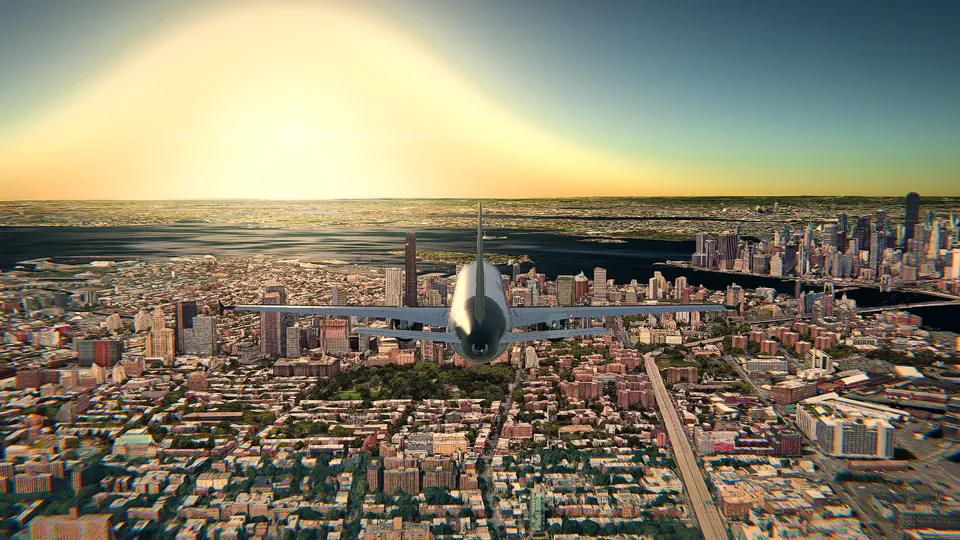
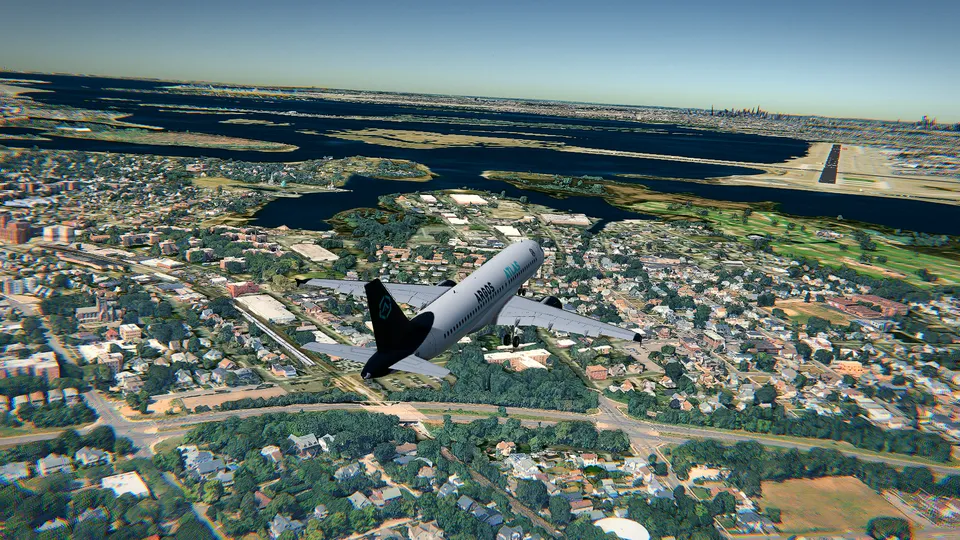
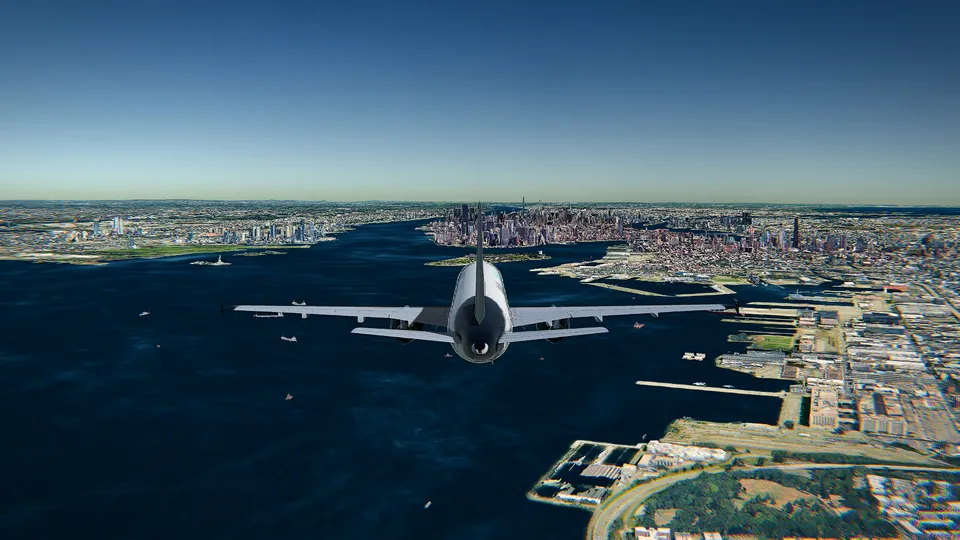
The first time you take off in Open Flight World and see an airliner climbing out of the same airport, it is a real one. It left a few seconds ago, under its real callsign, and it is going exactly where it is going in real life. Look down at the harbour and the ships are real too. Look up, and if you chose the live weather, the clouds and the wind are built from the conditions outside right now.
This article explains how that works, without the jargon, and what to expect from it.
The live traffic
Where the positions come from
Most aircraft today carry a transponder that broadcasts their position, altitude, speed and identity several times a second, a system called ADS-B. Receivers on the ground pick those messages up, and networks of receivers around the world put them together into a live picture of the sky: that is what flight tracking websites show. Ships do the same at sea with AIS, which reports their position, course and speed.
Open Flight World draws that live picture around you. As you fly, it asks for the aircraft and ships near you and places each one in the 3D world.
Why it is a few seconds behind
Between a transponder broadcasting a position and that position appearing in your browser there are receivers, networks and servers. The result is a picture that is a few seconds old. For a flight simulator that is close enough to be convincing: the aircraft you see taking off is really taking off, just not this very second.
What you can do with it
- Fly beside a real aircraft. On the start screen, the first option of the departure list is to fly next to a real aircraft that is in the air right now. You start beside it, and it keeps flying its real route.
- See it on your instruments. In the airliners' cockpits, the navigation display shows the traffic around you, much like the collision avoidance system of a real aircraft.
- Look at it closely. Each aircraft carries a label, and its card shows its 3D model and its details.
- Hide it with T if you want the sky to yourself.
On phones, where the graphics have to be lighter, fewer aircraft are drawn as full 3D models.
What the traffic is not
It is not other players, and it does not react to you. A real airliner on approach will not give way to your Cessna, and it will not talk to you on the radio. Think of it as flying in a real sky, where the others are going about their business. It also means you can fly into busy airports and see them as busy as they really are, at the hour you are flying.
The live weather
Where it comes from
When you choose the live weather, the simulator asks for the current conditions at the airport you picked, from a weather service built on Open-Meteo's data. From those it builds:
- The sky: how much cloud there is, from clear to overcast.
- The visibility, from crystal clear to fog of under a kilometre.
- The wind, with its gusts, which both of the simulator's flight models feel: on a gusty day the aircraft moves, and the speed you see jumps around as it would in a real one.
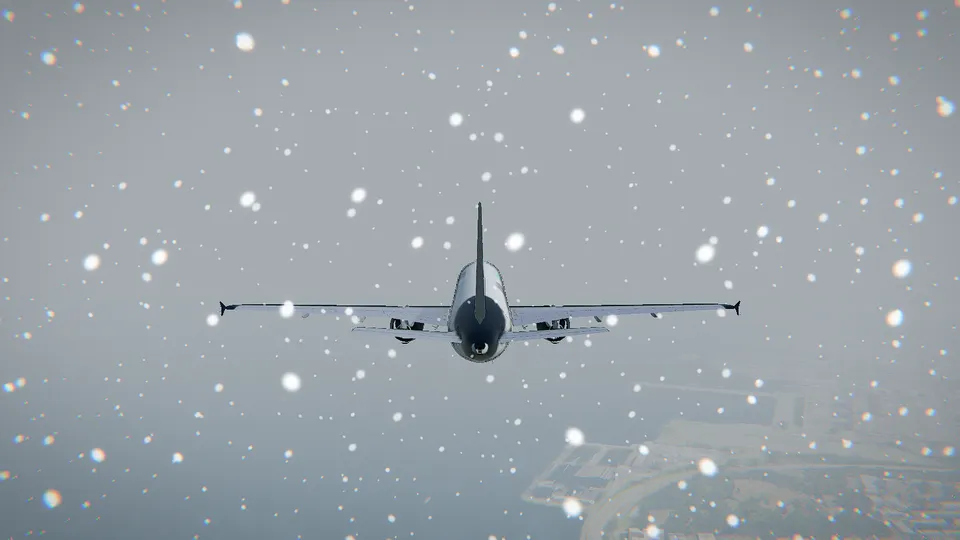
- What falls: rain or snow you can see.
- The light under it: an overcast day is darker and flatter than a clear one.
One honest detail: the weather data gives the wind's strength and gusts, but the simulator lines the wind up with your departure runway, so you take off and land into it. Real crosswinds are a challenge for another day.
Choosing a sky instead
You do not have to fly the real weather. On the start screen you can pick a fixed sky instead:
| Sky | What you get |
|---|---|
| Clear | Sun and calm air |
| Scattered | Fair-weather clouds |
| Broken | Plenty of clouds |
| Overcast | A grey ceiling |
| Rain | Rain and gusts |
| Storm | Lightning and strong gusts |
| Fog | Under a kilometre of visibility |
| Snow | Falling snow |
The clear sky is the best for a first flight. Fog is the best way to discover why pilots trust their instruments.
Clouds and graphics
With the HD graphics, clouds are drawn as volumes that the light passes through: you can fly into them, and the sun comes through the gaps. With the lighter Free graphics there are no volumetric clouds, but the light, the visibility, the wind and the rain or snow are still there.
The light of the real hour
Weather is only half of what makes a sky look right; the other half is the sun. Open Flight World puts the sun where it really is over the airport you choose, at the real hour there, so taking off from Tokyo while it is afternoon in Europe means taking off at night. If you would rather pick, choose dawn, day, dusk or night on the start screen. At night the runway lights, the taxiway lights and the city lights come on, and your own landing lights light up the runway ahead.
Why it matters
A flight simulator with live traffic and live weather never feels the same twice. The airport you know is busy at rush hour and quiet at night; the approach you flew yesterday in the sun is in cloud today. That variety is a big part of why flying in a simulator stays interesting after the first flight.
If you are new to flying, start with how to fly a plane in your browser, then pick one of the best airports to fly in a simulator and fly it at its busiest hour.
Frequently asked questions
Is the air traffic in Open Flight World real?
Yes. The aircraft and ships around you are real ones, in their real positions, a few seconds behind real time. They are not other players and not invented traffic.
Can I fly next to a real aircraft?
Yes. On the start screen, the first option of the departure list lets you start in the air beside a real aircraft that is flying at that moment.
Is the weather really live?
When you choose the live weather, the simulator asks for the current conditions at the airport you picked and builds the sky, the wind and the visibility from them. You can also choose a fixed sky, from clear to storm, fog or snow.
Do I see clouds with the Free graphics?
The volumetric clouds are part of the HD graphics. With Free you still get the light, the visibility, the wind and the rain or snow of the weather you choose.