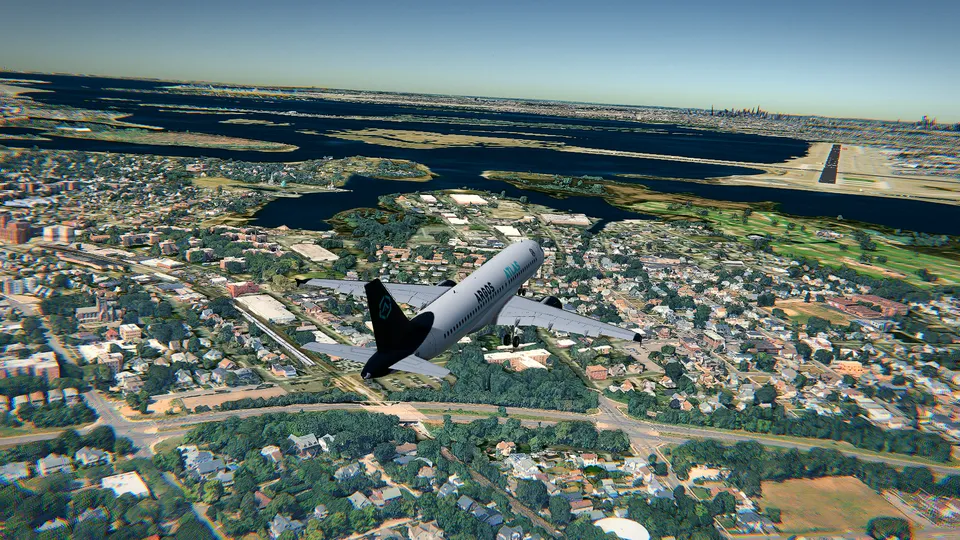
How to take off in a flight simulator: the first five minutes, step by step
Takeoff step by step in a flight simulator: lining up, full power, rotating at 55 knots, the climb and the first turn, with the Cessna 172's real numbers.
Taking off is the easiest part of a flight, and it is still the part most first flights get wrong. The reason is almost always the same: people treat it as one action, pushing everything forward at once and hoping. It is five small actions, in order. Line up. Add power. Lift the nose at the right speed. Climb at the right speed. Turn when you are high enough.
Do them in that order and your first takeoff works on the first try. This guide uses the real numbers of the Cessna 172, the ones in its handbook, which are also the ones the coach calls out in Open Flight World, the browser simulator I make. The Cessna at London City is free, with no account and no time limit, so you can do this ten times in a row.
The numbers that matter
| Setting or speed | |
|---|---|
| Flaps, normal takeoff | up (0 degrees) |
| Flaps, short or soft runway | one notch (10 degrees) |
| Power | full |
| Rotation, when you lift the nose (Vr) | about 55 knots |
| Climb out | 70 to 80 knots |
| Best rate of climb (Vy), sea level | 74 knots |
| Best angle of climb (Vx), to clear something | 62 knots |
| Stall, no flaps (Vs1) | 48 knots |
| Highest speed with 10 degrees of flaps (Vfe) | 110 knots |
If you remember two of them, remember these: 55 to lift, 75 to climb.
For scale, a 172 at full weight on a sea level runway on a standard day needs roughly 300 metres of ground roll and about 500 metres to be 50 feet up. London City's runway is 1,508 metres long, three times that, so runway length is not something you have to think about today.
Set it up so the first try counts
Open the simulator, choose the Cessna 172 and London City, and press Shift + Enter to take off from any step of the start screen.
Three things worth doing before you touch the throttle:
- Press F1 and leave the controls guide in Simple mode. The coach then tells you the next step, with the key or button of the device you are using: takeoff flaps, full power, rotate at a given speed, flaps in.
- Stay in the cockpit view for the takeoff. C cycles the cameras, and the cockpit one is the only one that shows you the centreline the way a pilot sees it.
- Remember R. It starts the flight again, instantly. A bad takeoff costs you ten seconds.
The live weather at your airport comes with a wind that blows along your departure runway, so for a first takeoff it is mostly a headwind, which is exactly what you want.
Step 1: lining up
On the ground the aircraft is steered with the rudder, not with the arrows: , turns the nosewheel left and . turns it right. The arrows move the controls in the air and do nothing useful while the wheels are down.
So, before the power:
- Engine running. E starts and stops it. If the parking brake is set, ; releases it.
- Flaps up for a normal takeoff. ] takes a notch in, [ puts one out, F cycles through them.
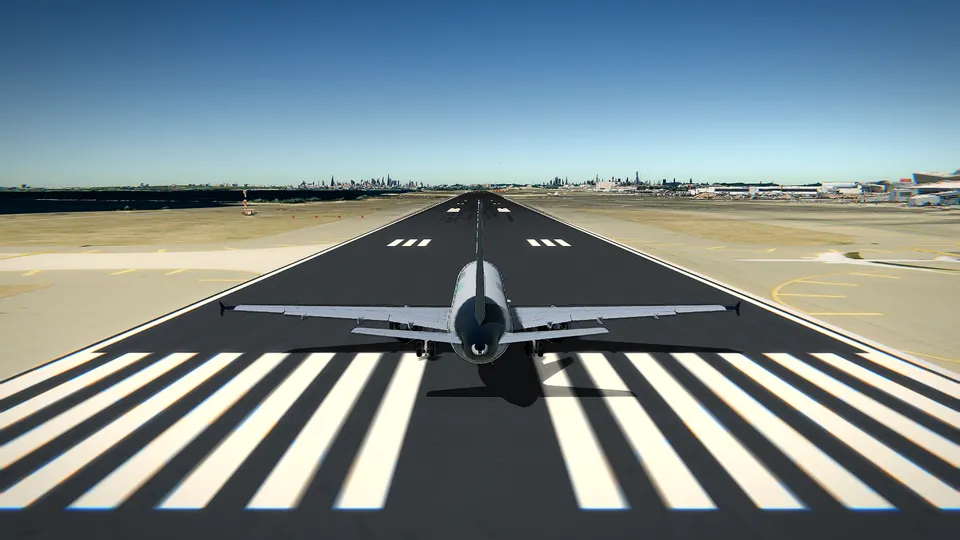
- Straight down the centreline. Use , and . in small taps, and look at the far end of the runway, not at the ground in front of you. Pick something at the end of it, a light, a building, the edge of the water, and keep it where it is.
- Check the heading. A runway's number is its magnetic heading with the last digit dropped, so at London City runway 09 points to about 090 degrees and runway 27 to about 270. If the heading on your instruments agrees with the runway you are on, you are lined up on the right one.
Holding Space keeps the wheel brakes on while you do all this. Let it go when you are ready.
Step 2: power
Press 9 for full power, or hold Shift until the throttle is all the way forward. In a Cessna, takeoff power is simply all of it, and it stays there for the whole climb.
As the engine comes up, the nose will try to swing left. That is the propeller, and it happens in every single-engine aircraft. Correct it with small taps of ., the right rudder, and keep correcting: the aim is a straight line, not a perfect heading.
Now look outside and let the aircraft accelerate. There is nothing else to do for a few seconds. The speed on the instruments is the only number you care about.
Step 3: rotation, at 55 knots
At about 55 knots, ease the nose up with ↓ (or ↑ if you have turned on the option that makes the up arrow climb). The coach calls this moment out for you.
Two things make this easy in Open Flight World. The controls ask for a rate, so you tap the key, watch the nose rise, and let go; the attitude then stays where you left it, and there is nothing to trim. And a small input is enough: you are looking for the nose a little above the horizon, roughly ten degrees up, not a dramatic pull.
The aircraft leaves the runway by itself a moment later. You do not lift it off; you set an attitude and let the wing do its job.
Step 4: the climb
Once the wheels are off, do nothing clever. Hold the climb, keep flying straight ahead, and let the speed settle between 70 and 80 knots.
- Too fast, say 100 knots, means the nose is too low and the aircraft is barely climbing. Raise it a touch.
- Too slow, heading down towards 50, means the nose is too high. Lower it a touch. The coach warns you before a stall, and so does the stall warning.
- At 74 knots a 172 climbs about 730 feet per minute at sea level. That is the number to chase if you want height.
The Cessna's wheels do not retract, so there is nothing to put away; in the aircraft that have retractable gear, G does it once you are climbing. If you used a notch of flaps for a short runway, take it in with ] when you are safely above 60 knots and past any obstacle.
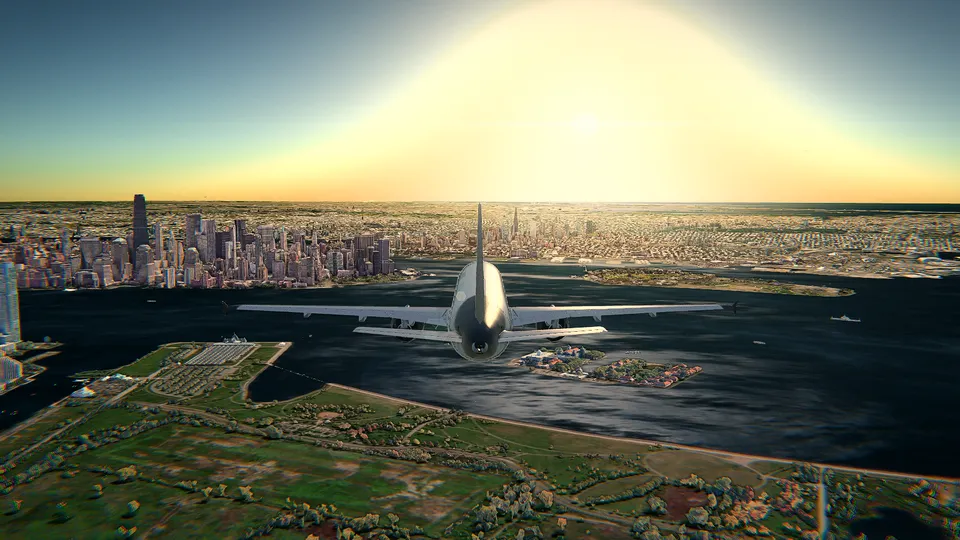
With the 3D buildings graphics, the buildings and the ground are solid: fly into one and the flight is over. At London City the runway runs along the docks with the Thames right beside it, and Canary Wharf's towers stand about 4 km to the west, so keep climbing straight ahead until you are clearly above everything around you.
Step 5: the first turn
Wait for 500 feet above the ground. That is what real pilots do, and it gives you a margin if anything goes wrong.
Then tap ← or → once and let go. You want 15 to 20 degrees of bank, no more: a climbing turn with a lot of bank climbs badly and bleeds speed. Keep the nose where it was, watch the speed stay near 75, and when the heading is where you want it, tap the other arrow to put the wings level.
If your plan is to come straight back and land, this turn is the crosswind leg of the circuit, and 1,000 feet above the ground is the height to level off at. Lower the nose a little and bring the power back with Ctrl; the 172 cruises at about 120 knots. Then read how to land a Cessna 172 and finish the job.
If instead you just want to look at the view, press C for the chase camera and watch the city go by underneath. V replays the last minute, which is the fastest way to see what your own takeoff looked like from outside.
The five usual mistakes
- Steering with the arrows on the runway. Use , and ..
- Rotating too early. Below about 50 knots the nose comes up and the aircraft stays on its wheels, then staggers into the air. Wait for 55.
- Pulling too hard. The speed falls away and you get a stall warning instead of a climb. Small inputs, then let go.
- Turning too soon or too steeply. Straight ahead to 500 feet, then 15 to 20 degrees.
- Not using all the power. Half throttle is a long, flat, nervous takeoff. 9 and leave it.
Where to go next
The whole cheat sheet of keys, mouse and gamepad is in the controls guide, and if this is your very first flight, start with how to fly a plane in your browser. When the Cessna's takeoff feels automatic, the other nine aircraft and every other airport are what the unlocks open up, from Hong Kong in 3D, worth a slow lap, to the hardest ones to fly out of.
Frequently asked questions
At what speed does a Cessna 172 take off?
You lift the nose at about 55 knots and the aircraft flies itself off the ground a moment later. After that, climb at 70 to 80 knots; 74 knots is the speed that gives the most height per minute at sea level.
Do I need flaps to take off?
Not for a normal takeoff: flaps up is the usual setting in a Cessna 172. One notch, 10 degrees, is for short or soft runways, and you take it in once you are climbing and clear of obstacles.
How soon can I turn after takeoff?
Wait until you are 500 feet above the ground, flying straight ahead and at a steady climb speed. Then bank 15 to 20 degrees, no more, and keep the nose where it is.
Why does my plane veer to the left on the runway?
Because of the propeller: at full power a single-engine aircraft wants to swing left. Correct it with small taps of the right rudder, which on the ground is what steers the nosewheel.
Can I practise takeoffs for free?
Yes. The Cessna 172 at London City (EGLC) is free in Open Flight World, in photorealistic 3D, with no account, no ads and no time limit, and R starts the flight again as many times as you like.