How to land a Cessna 172: speeds, flaps and the flare
A practical guide to landing the Cessna 172 in a flight simulator: the approach speeds from its handbook, when to put the flaps out, reading the PAPI lights, the flare and the most common mistakes.
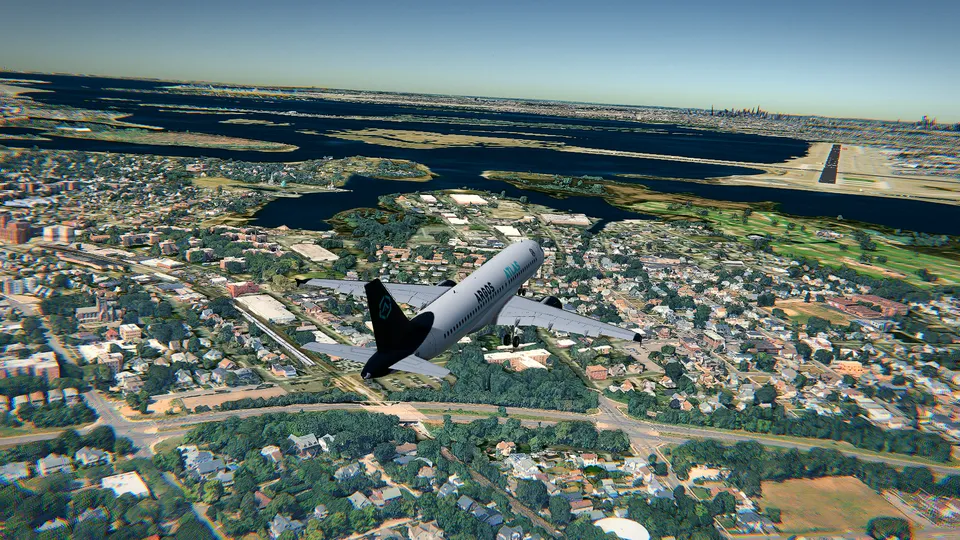
Taking off is mostly a matter of adding power. Landing is where you learn to fly. You have to arrive at the right place, at the right height and at the right speed, all at the same time, and then turn a descent into a gentle touchdown in the last few metres.
The good news is that the Cessna 172 is the kindest aircraft to learn it on. It is slow, it forgives a lot, and its numbers are easy to remember. This guide uses those numbers, the ones in the real Cessna 172S handbook, which are also the ones Open Flight World's coach calls out.
The numbers that matter
| Speed | |
|---|---|
| Stall, full flaps (Vs0) | 40 knots |
| Stall, no flaps (Vs1) | 48 knots |
| Reference speed for landing (Vref) | 62 knots |
| Final approach, full flaps | about 65 knots |
| Highest speed with the last notches of flaps (Vfe) | 85 knots |
| Normal cruise | about 120 knots |
If you remember one thing, make it this: about 65 knots on final, with full flaps. That gives you a safe margin over the stall and not so much speed that the aircraft refuses to land.
Practise from final approach
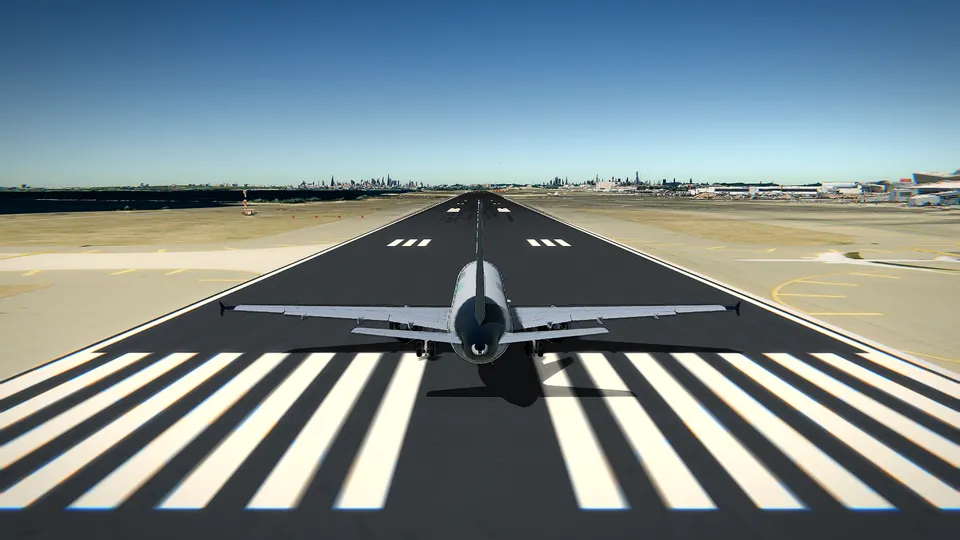
You do not need to fly a whole flight to practise landings. In the simulator, choose the Landing position: you start on final approach, lined up with the runway, a few miles out. Each attempt takes a couple of minutes, and you can press R to try again as many times as you like.
Hong Kong International is a good place for it: long runways over open water, no hills on the approach from the west, and it is free with the Cessna.
Keep the coach on (the Simple mode in the controls guide, F1). It watches your speed and height and tells you what to do next, with the keys.
Step 1: slow down early
Most bad landings start long before the runway, with an aircraft that is too fast. On the approach, take the power back with Ctrl and keep the nose level until the speed drops. In the Cessna, power controls how fast you go up or down, and the nose controls the speed; on an approach it helps to think of it that way.
If you arrive much too fast, the coach says so and asks you to slow down before starting down. Listen to it.
Step 2: flaps, one notch at a time
The Cessna's flaps have three notches: 10, 20 and 30 degrees. Press [ to put one out and ] to take one in. Each notch adds lift and drag: the aircraft slows down, and the nose wants to rise a little.
- Below 85 knots, put out the first notch.
- Let the speed settle, then the second.
- On final, the third.
Never put flaps out above their limit speed. In a real aircraft that can damage them; in the simulator, the coach waits for the right speed before suggesting them.
Step 3: fly the glide path
A normal approach descends at 3 degrees. That is shallower than it looks: about 300 feet of height for every nautical mile from the runway. On the screen, it means the start of the runway stays in the same place in your windshield as it grows. If it moves down, you are getting high; if it moves up, you are getting low.
Two tools help you judge it.
The PAPI lights. Beside most runways there is a row of four lights. They show white or red depending on the angle you see them from:
| Lights | You are |
|---|---|
| 4 white | well above the path |
| 3 white, 1 red | a little high |
| 2 white, 2 red | on the path |
| 1 white, 3 red | a little low |
| 4 red | well below the path: add power |
Open Flight World draws the PAPI at its runways, so you can fly the same picture real pilots do.
The rate of descent. On a 3-degree path, your rate of descent in feet per minute is roughly five times your groundspeed in knots. At 65 knots with no wind that is about 325 feet per minute; into a headwind, a little less.
Correct with small changes. A little more power if you are low, a little less if you are high, and the nose to hold 65 knots. Remember that in Open Flight World the controls set a rate: tap the arrow and let go, and the aircraft holds the new attitude.
Step 4: the flare
This is the moment that takes practice. Just above the runway, the coach shows Flare:
- Power to idle with Ctrl.
- Raise the nose gently with ↓, a little at a time, so the descent slows down and dies just as the main wheels reach the runway.
- Keep it straight with , and ..
The aim is to touch down on the two main wheels, with the nose slightly up and almost no rate of descent. If you raise the nose too early or too much, the aircraft climbs again (a balloon); if you do it too late, it lands hard on all three wheels. Both are normal on the first tries.
A tip from instructors: in the flare, look at the far end of the runway, not at the ground right in front of you. It is much easier to judge your height that way.
Step 5: on the ground
Once the main wheels are down, lower the nosewheel gently with ↑. Then hold Space to brake and keep the centreline with , and .. When you have stopped, the coach says Landed. Well flown.
When it goes wrong: the go-around
If the approach is not working (too high, too fast, not lined up), do what real pilots do and go around. Full power with Shift or 9, stop the descent, and once you are climbing, take the flaps in one notch at a time with ]. Then come back and try again. Going around is never a failure: landing from a bad approach is.
The most common mistakes
- Too fast. The aircraft floats and floats along the runway. Slow down earlier.
- Too slow. Below about 55 knots on final the Cessna starts to sink. If the coach warns you that you are slow, add power.
- Flaring too high. The aircraft stops descending a few metres up and then drops. Flare closer to the runway, and more gently.
- Chasing the PAPI. Big corrections cause big swings. Small, early changes work better.
- Forgetting the power in the flare. Engine still running, the aircraft does not want to land. Idle first, then the nose.
Watch the autopilot do it
Open Flight World's autopilot can fly an approach to any runway and land by itself: it follows a 3-degree path to the threshold, flares, takes the power to idle, lowers the nose and brakes to a stop. Watching it once, from the chase camera (C), is a good way to see what a stable approach looks like. Then take the controls back with A and do it yourself.
About crosswinds
Real runways rarely face the wind exactly. When the wind blows across the runway, pilots point the nose a little into it to fly straight (crabbing) and, just before touchdown, use the rudder to line the aircraft up with the runway while lowering the upwind wing a little. In Open Flight World the live wind blows along your departure runway, so it is mostly a headwind; crosswind landings are a skill for later, once the basics feel easy.
When you can land the Cessna every time, try the Cirrus SR22, which is faster and less forgiving, or one of the best airports to fly in a simulator, where the approach itself is the challenge.
Frequently asked questions
What speed should I land a Cessna 172 at?
With full flaps, fly the final approach at about 65 knots. The Cessna 172S handbook gives 60 to 70 knots with 30 degrees of flaps; Open Flight World's coach asks for about 67 knots, five above its reference speed of 62.
How many flaps should I use to land?
Usually full flaps, three notches (30 degrees) in the Cessna 172, put out one at a time below 85 knots, the limit speed for the last notches.
Why does my plane float along the runway instead of landing?
Because it is too fast. Every extra knot over the threshold turns into metres of floating in the flare. Slow down earlier and arrive at about 65 knots.
Can the autopilot land for me?
Yes. Open Flight World's autopilot can fly an approach to any runway and land, with the flare, the brakes and the reverse where there is one. It is a good way to watch what a stable approach looks like.