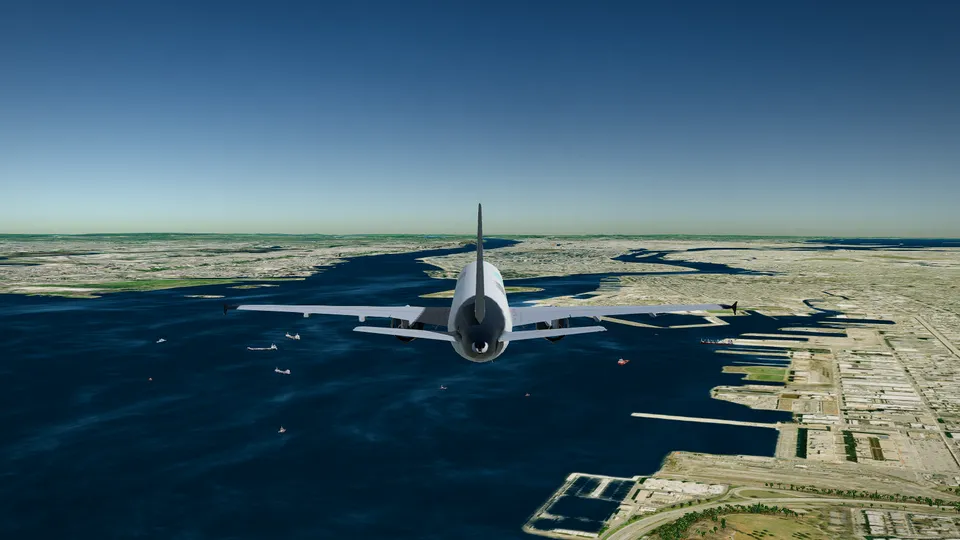
Games like GeoFS: 5 flight simulator alternatives compared
Looking for games like GeoFS? Five alternatives, from another browser flight simulator to FlightGear, YSFlight, Infinite Flight and X-Plane: what each does best and who it suits, checked on their official sites.
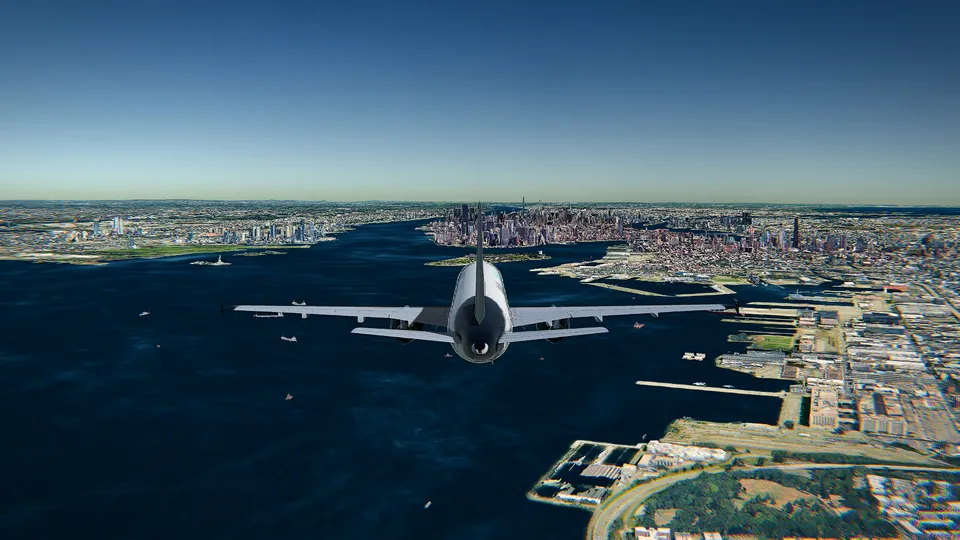
GeoFS is the flight simulator most people meet first: you open a page and you fly over the real planet. Sooner or later you want to know what else is out there, maybe sharper cities, maybe a phone app, maybe more realism. These are the five alternatives I would look at, from the one closest to GeoFS to the ones that ask for an install.
I make the first one, Open Flight World, so I say so where it appears. For the others I only write what their official sites say, checked today; the pages are at the end.
The five at a glance
| Alternative | Runs in | Install | To start |
|---|---|---|---|
| Open Flight World | Browser | No | Cessna 172 at London City free, the rest paid |
| FlightGear | Desktop: Windows, Mac, Linux | Yes | Free and open source |
| YSFlight | Desktop: Windows, Mac, Linux | Yes | Free |
| Infinite Flight | Phone and tablet: iOS, Android | App | Pro subscription |
| X-Plane 12 | Desktop: PC, Mac, Linux | Yes | Free demo, then paid |
1. Open Flight World: the closest to GeoFS, in a browser tab
Disclosure: this is my simulator.
If what you like about GeoFS is opening a page and flying, Open Flight World works the same way: a browser tab, nothing to install, no account to fly. The planet is real and in 3D, the weather is the live weather of the airport you choose, and the aircraft and ships around you are the real ones, a few seconds behind.
Where it differs:
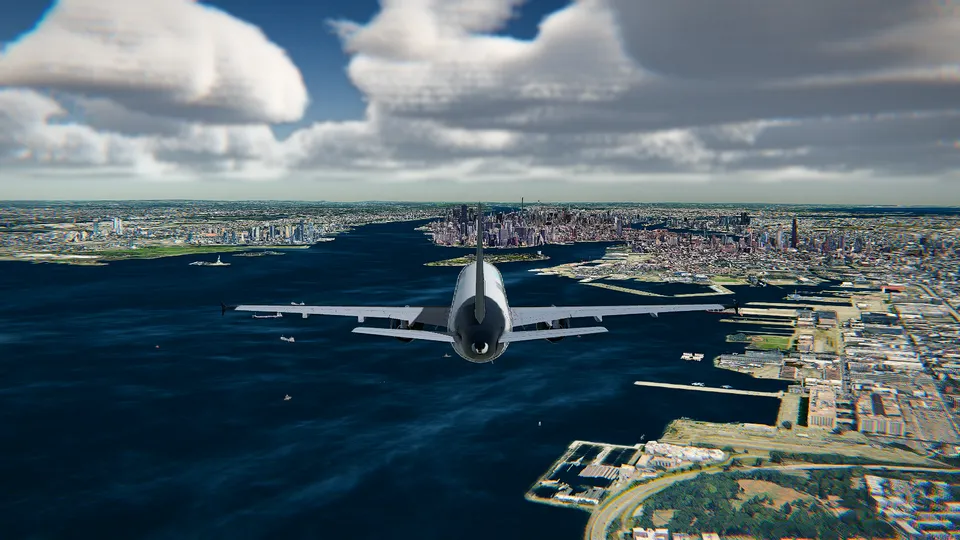
- Cities in photorealistic 3D. With the 3D terrain and buildings graphics, the big cities are Google's photorealistic 3D buildings, with volumetric clouds and shadows; 3D terrain and buildings HD puts everything at maximum. On a modest laptop, a phone or a tablet, the lightest setting, 3D terrain, keeps the relief and the imagery.
- A coach for the first flight. In the simple mode a coach tells you the next step, with the key or button of the device you are using, from the takeoff to the landing.
- An autopilot that lands. Pick a runway and it flies the approach, flares and stops on the centreline.
- Ten aircraft, each with its own cockpit, from the Cessna 172 to the Airbus A380 and the F-16. Six of them fly with JSBSim, the open-source flight dynamics of FlightGear.
- No ads, free or paid.
What is free: the Cessna 172 at London City, in photorealistic 3D, a few minutes a day. The rest of the planet in 3D, the other nine aircraft and the other airports are paid: each one is unlocked once and stays yours, or All Access opens everything. The details are on the pricing page.
What GeoFS has and I do not claim: a big multiplayer community. If flying next to other players is the point for you, GeoFS is still the place. The full side by side is in Open Flight World vs GeoFS.
2. FlightGear: free, open source and deep
FlightGear calls itself a "free open-source flight simulator". Its source code is under the GNU General Public License and it runs on Windows, Mac and Linux. Its latest release line is FlightGear 2024.1.
- Best for: depth and detailed aircraft systems, at no cost, if you do not mind installing.
- Keep in mind: it is a desktop download, not a page you open; there is setup before the first flight.
I compared the two in Open Flight World vs FlightGear.
3. YSFlight: light, free and full of add-ons
YSFlight describes itself as a free flight simulator, "under continual development by Soji Yamakawa", for Windows, Mac OS X and Linux. It has multiplayer servers where you can join friends, and its community keeps making add-ons.
- Best for: an old or modest computer, quick arcade flying and a long tradition of community aircraft.
- Keep in mind: you install it, and its scenery is a set of maps rather than the real planet that GeoFS gives you.
4. Infinite Flight: the phone and tablet option
Infinite Flight presents itself as "a mobile flight simulator" on iOS and Android. It offers over a thousand aircraft and livery combinations, real-time multiplayer servers and live human air traffic controllers, and it sells a Pro subscription.
- Best for: flying on a phone or tablet with other pilots, and air traffic control by real people.
- Keep in mind: it is an app for phones and tablets; its home page does not mention a computer version.
5. X-Plane 12: when you want to go serious
X-Plane calls itself "the best flight simulator for PC, Mac, and Linux" and says that everything in it "operates from real world physics", with first-principles physics. It has a free demo for Windows, Mac and Linux.
- Best for: a realistic flight model on a powerful desktop, the next step after a browser simulator.
- Keep in mind: a large download and a capable computer, and the full version is paid.
If you are also weighing Microsoft Flight Simulator, I wrote a free alternative to Microsoft Flight Simulator.
Which one to pick
- You like GeoFS because there is nothing to install: Open Flight World. Same browser tab, with photorealistic 3D cities, the real traffic and a coach.
- You are on a school or work computer, or a Chromebook: a browser simulator is the only kind that will run; see a flight simulator on a Chromebook.
- You want to fly with other players: GeoFS on the web, Infinite Flight on a phone, or YSFlight on a desktop.
- You want depth for free and can install: FlightGear.
- You want maximum realism and have the machine: X-Plane 12.
For the whole field, browser and desktop, there is free flight simulators you can play online, compared, and for your first take-off in any of them, the beginner's guide to flying in a browser.
Sources
Checked on 12 November 2026:
- GeoFS home page: free, web based, multiplayer, 30 aircraft, 10 m per pixel imagery, HD by subscription with a one-day trial, platforms.
- FlightGear and About FlightGear: free and open source, GNU GPL, Windows, Mac and Linux, FlightGear 2024.1.
- YSFlight: free, Windows, Mac OS X and Linux, multiplayer, community add-ons.
- Infinite Flight: mobile flight simulator for iOS and Android, aircraft and liveries, multiplayer, live ATC, Pro subscription.
- X-Plane and its free demo: PC, Mac and Linux, real world physics, free demo; Buy X-Plane 12: the full version is bought.
Open Flight World: its aircraft, its pricing and how it is made.
Frequently asked questions
Is there a browser game like GeoFS?
Yes. Open Flight World also runs in a browser tab with nothing to install, over the real planet in 3D, with the live weather and the real air traffic around you. The Cessna 172 at London City is free, with no account and no ads.
What is the best free alternative to GeoFS?
In a browser, Open Flight World, whose free Cessna 172 flies from London City in photorealistic 3D. On the desktop, FlightGear, which is free and open source, or YSFlight for a light computer.
Is there a GeoFS alternative for phones?
Infinite Flight is a flight simulator for iOS and Android. Open Flight World also opens in a phone or tablet browser with its lightest graphics, 3D terrain.
Which GeoFS alternative is the most realistic?
Among installed simulators, X-Plane, whose maker describes its physics as first principles, and FlightGear, with detailed systems at no cost. Both take a download and a capable computer.