Flying the F-16 in your browser: fly-by-wire, afterburner and landing a fast jet
How the F-16 flies in a browser flight simulator: the fly-by-wire feel, the afterburner, turning at speed and how to land a fast jet without floating.
I learned to fly in this simulator the way nearly everyone does, in the Cessna 172 at London City: 65 knots on final, full flaps, a gentle flare. Then I took the F-16 Falcon out of the same hangar and found that almost none of it transfers.
A fighter is not a light aircraft with more power, and it is not a fast airliner either. It is a different machine with its own habits, and the first few minutes in it are usually spent a long way from where you meant to be. So here is what the F-16 feels like in Open Flight World: what the afterburner does to your planning, how to turn at speed without throwing the aircraft away, and how to get it back onto a runway.
What makes it feel different
Three real things about the F-16 explain most of the surprises.
It has about as much thrust as it weighs. Lightly loaded, with the afterburner lit, the F-16 has a thrust-to-weight ratio of roughly one to one. That is why it can keep accelerating while it is pointing straight up. An airliner at takeoff has a fraction of that. Power stops being a setting you choose once and becomes something you manage all the time.
It is flown by wire. The F-16 was the first production fighter with a fly-by-wire flight control system. The stick barely moves: it senses how hard the pilot is pressing, and the computers decide what the control surfaces actually do, keeping the aircraft inside its limits, up to 9 g. The airframe is deliberately relaxed in pitch stability, and the software is what makes it feel solid.
It goes about twice as fast as anything else in the fleet. Mach 2 at altitude, and down low the limit is indicated airspeed, around 800 knots. Everything you plan arrives sooner than you expect.
| Cessna 172 | F-16 | |
|---|---|---|
| Final approach | about 65 knots | roughly 150 knots |
| Cruise or top speed | about 120 knots | about Mach 2 at altitude |
| Structural g limit | +3.8 g | 9 g |
The fly-by-wire feel, in a browser
Open Flight World's control model happens to suit a fighter very well. The arrows, the mouse or the stick ask the aircraft for a rate of turn: the further you push, the faster it rolls or pitches, and when you let go the turning stops and the aircraft stays as you left it, the nose where you put it, the wings at the bank you chose. Nothing to hold, nothing to trim. Every key is in the controls cheat sheet, and F1 draws them on the device you are using.
That is closer to the real jet's experience than it sounds, because the pilot of an F-16 is also asking for a result rather than moving surfaces by hand.
The difference in the F-16 is the gain. It rolls far faster than anything else in the fleet, so the classic first-flight mistake is holding ← or → down and arriving inverted. Tap, watch, let go. This is the one aircraft where a gamepad or a flight stick earns its place: an analogue axis makes the small corrections much easier at speed.
Takeoff: what full power actually does
Line up, hold Space, then set full power with 9 or hold Shift and let go of the brakes.
The acceleration is the first thing that tells you this is not a trainer. The real aircraft lifts its nose at around 150 knots and is flying shortly after, so you are off the ground in a few hundred metres of a long runway. Raise the nose with ↓ and then get the gear up at once with G: the jet will be through the gear's limiting speed quickly if you do not.
My advice for the first flight: once you are climbing and clear, take some power off with Ctrl or set something like 5. The real F-16 climbs at tens of thousands of feet per minute, and if you leave the throttle where it was you will be very high and very far from your airport before you have found the map on N.
Keep the coach on for the first few goes, the Simple mode in the controls guide. It tells you the next thing to do with the key of your own device. In Advanced it stays quiet and only warns you about the things that matter in a fast jet: a stall, too much speed, sinking fast, or the gear still up near the ground.
Turning at speed
This is where a fighter is genuinely a new skill. Turn radius grows with the square of the speed, so at 500 knots a hard bank still carves a circle miles across. Real fighter pilots talk about a best turning speed in the region of 350 to 400 knots, and you can feel why: slow down into that band and the same bank angle gives you a far tighter turn.
How to fly one:
- Roll with a tap of ← or →, let go at the bank you want, then pull the nose round with ↓.
- Add power as you pull. A hard turn trades speed for turn, and in a steep bank the wing is holding you up less, so the nose drops and the speed falls.
- There is a limit to how hard it can turn. Pull harder than the wing can deliver and the aircraft simply stops turning, shakes and starts descending. Ease off, let the speed come back, try again.
- Leave the rudder (, and .) for the ground and for lining up on the runway. In the air, turns come from bank.
A replay on V of the last minute, watched from the chase camera on C, is the fastest way to see what you actually did with the energy.
Low and fast over a real city
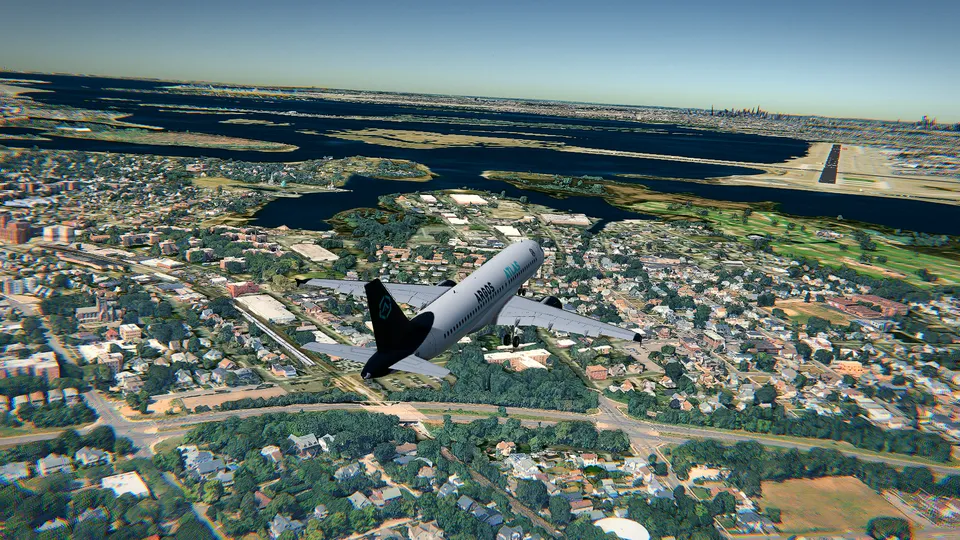
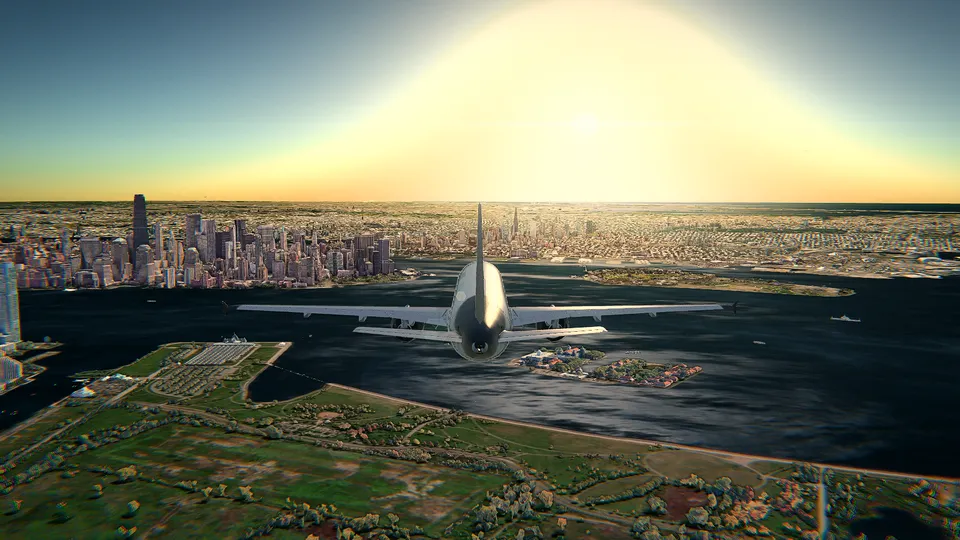
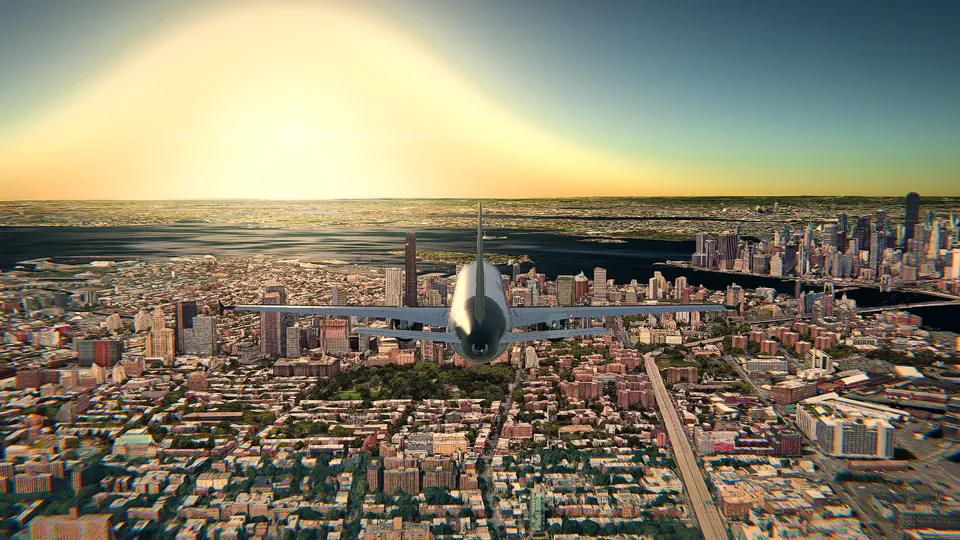
With the 3D terrain and buildings graphics, the big cities are Google's photorealistic 3D tiles, with volumetric clouds and soft shadows, sharpest in HD. The buildings are solid: fly into one and the flight is over. In the Cessna that is a joke you get away with. At 500 knots two hundred metres over a river there is no time to change your mind, which is exactly what makes it worth doing carefully. Flying over Hong Kong in 3D and the best airports to fly in a simulator have good places to try it.
Landing a fast jet
The honest summary: the F-16 is not hard to land, it is hard to arrive ready to land. Three things are different from the Cessna.
It comes in twice as fast, so every step has to happen earlier. It has no reverse thrust, so the only things slowing you on the runway are drag and the brakes. And there is no long float: a fast jet is flown onto the runway, not held off until it settles.
The sequence I use:
- Plan the descent early. Power back with Ctrl, speed brakes out with B if you need to lose speed without losing height.
- Gear down with G once you are slow enough, well before the final turn.
- Get on the 3 degree path and keep it. The PAPI lights beside the runway read exactly as they do in the Cessna: two white and two red means you are on it. The full explanation is in how to land a Cessna 172, and the instruments themselves in how to read the primary flight display.
- Fly the attitude, not just the number. Real F-16 pilots fly final by angle of attack, around 11 to 13 degrees, which at a light weight is roughly 150 to 160 knots, plus about 5 knots for every extra 1,000 lb aboard. The practical version on screen: pick your aim point at the start of the runway and keep that picture frozen.
- Touch down, do not float. Reduce the descent a little in the last few metres with a small pull on ↓, with the nose up, and let the main wheels arrive. Flare it like a light aircraft and you will balloon and run out of runway.
- Brake with the whole aeroplane. Hold the nose up after touchdown and let the drag do the work down to around 100 knots, then lower the nosewheel with ↑, hold Space and keep the centreline with , and ..
Two things make practising this quick. Choose the Landing position and you start on final, a few miles out, so each attempt takes two minutes and R gives you another one. And choose a long runway: the airports are on the airports page, and a jet that lands at 150 knots is happier on a long strip than on the 1,508 metres of London City.
If it is not working, go around like a professional: full power on 9, stop the descent, gear up, come back and do it again.
The mistakes I still make
- Arriving high and fast, then trying to fix both at once. Fix the speed first.
- Holding the roll key. One tap is a lot of bank in this aircraft.
- Pulling too hard in a turn and watching 200 knots disappear.
- Forgetting the gear. In a jet the approach is quiet and quick, and it is easy to reach a mile out with the wheels up.
- Flaring like a Cessna and floating halfway down the runway.
Flying it yourself
The F-16 is one of the nine paid aircraft: unlock it once and it stays yours, or All Access opens everything, and the figures are on the pricing page. The free flight is still the Cessna 172 at London City, in photorealistic 3D, with no account and no ads, a few minutes a day, and it is the best place to get the landing habit before you take a jet anywhere. All ten aircraft, from the 18 m sailplane to the Airbus A380, are on the aircraft page.
If you have come to the F-16 from the heavy metal, the A380 in a browser is the other extreme of the fleet, and crosswind landings are the next skill worth having in any of them.
Frequently asked questions
Can I really fly an F-16 in a browser?
Yes. The F-16 Falcon in Open Flight World flies in a browser tab, with its own 3D cockpit and nothing to install. It is one of the nine paid aircraft: unlock it once and it is yours, or open everything with All Access. The free flight is the Cessna 172 at London City, in photorealistic 3D, with no account and no ads, a few minutes a day.
How fast does an F-16 land?
In the real aircraft, final approach is flown by angle of attack, around 11 to 13 degrees, which at a light weight works out at roughly 150 to 160 knots, plus about 5 knots for every extra 1,000 lb of fuel or stores. That is more than twice the 65 knots of a Cessna 172 on final.
How is flying a fighter different from flying an airliner?
Three things: it has roughly as much thrust as it weighs, so it accelerates and climbs in a way nothing else in the fleet does; it rolls far faster, so small inputs go a long way; and it has no reverse thrust, so the landing has to be planned earlier and flown precisely.
Do I need a joystick to fly the F-16?
No. The keyboard, the mouse and a gamepad all work, and the controls guide on F1 draws every key or button on the device you are using. A gamepad or a flight stick helps, because the analogue axes make small corrections easier at high speed.
Can the autopilot land the F-16 for me?
Open Flight World's autopilot can fly the approach to any runway and land, following the runway's localizer and a 3 degree glide path. Watching it once from the chase camera is the fastest way to see what a stable fast-jet approach looks like.