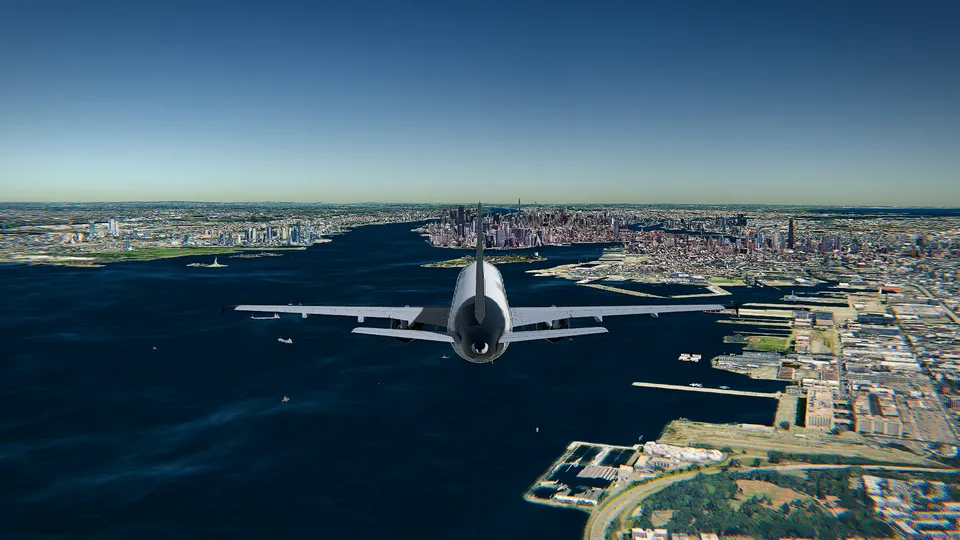
A flight simulator on a Chromebook: what runs in a browser tab
You can fly on a Chromebook: what runs in a browser tab, which graphics setting to pick and how to get a smooth picture with nothing to install.
Getting Started, Devices & Live Data. How to start flying in the browser, on which devices and with which controls, and the real traffic and weather.
You can fly on a Chromebook: what runs in a browser tab, which graphics setting to pick and how to get a smooth picture with nothing to install.
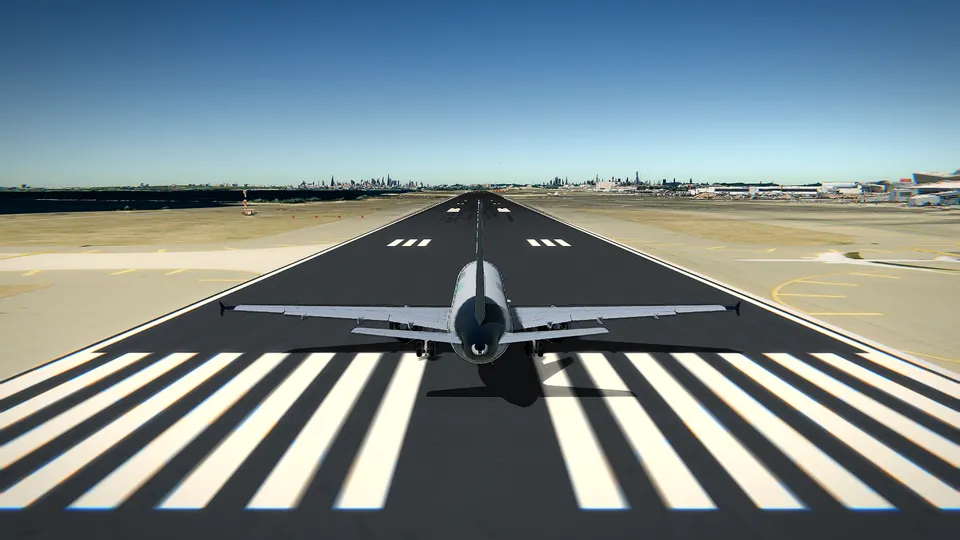
Your first flight in a browser flight simulator, step by step: choosing the aircraft and the airport, the takeoff, turning, levelling off and the keys you need, with the Cessna 172.
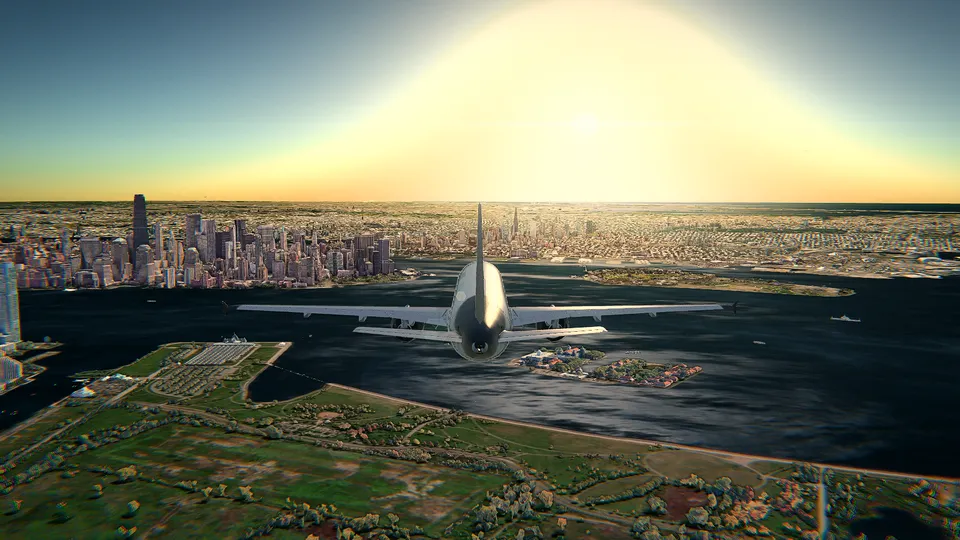
The keys for throttle, flaps, gear and brakes in a browser flight simulator, how to fly with the mouse, and the Xbox and PlayStation gamepad layout, all on one page.
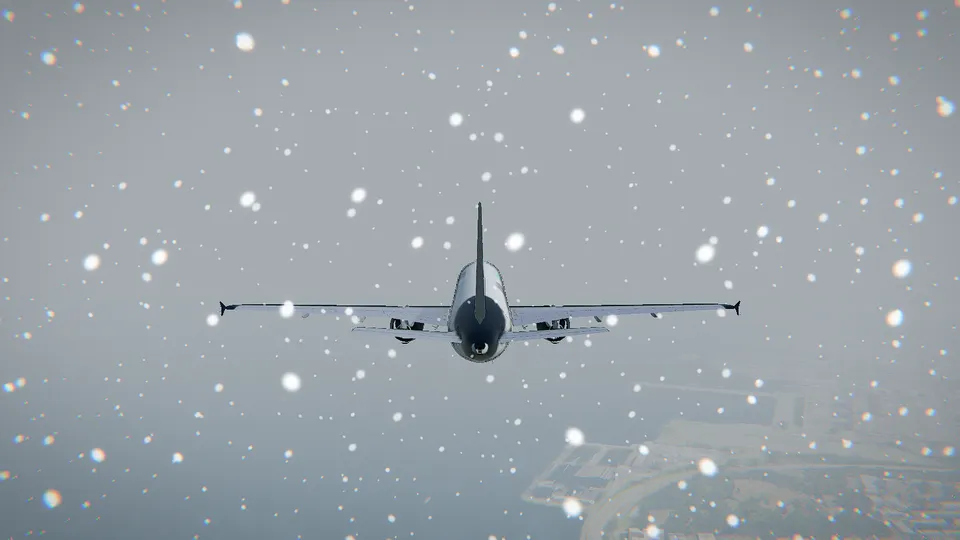
How a browser flight simulator shows the real aircraft and ships around you and the weather outside right now: where the data comes from, how it reaches the sim, and what to expect from it.
The Cessna 172 at London City is free to fly, with no download and no account.
Fly free